July 31, 2026 · 5 min read
Zoho Desk + WhatsApp: support without losing the thread
When to connect WhatsApp to Zoho Desk for support teams, what to order first, and how to avoid personal-phone chaos.
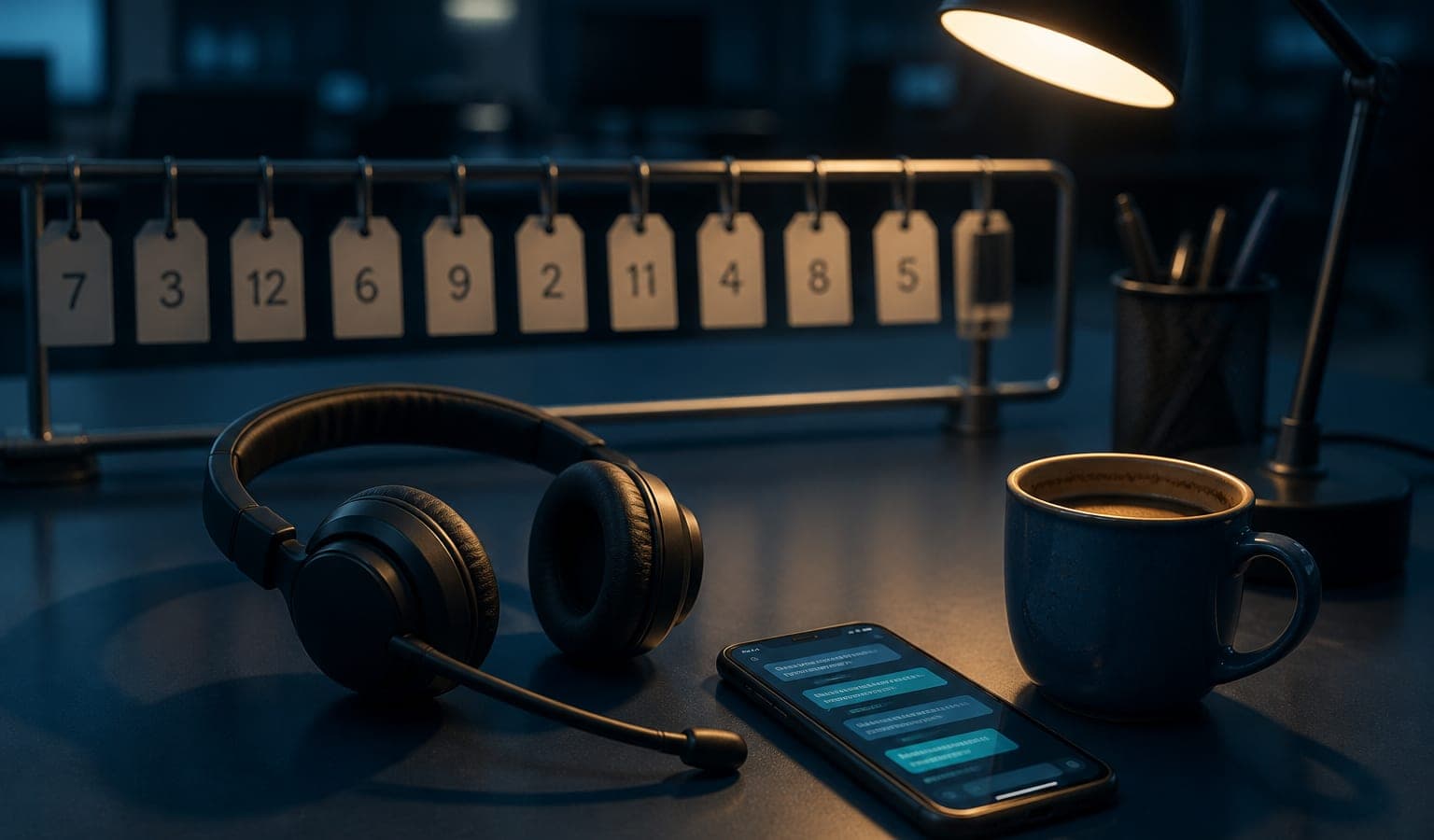
In Argentina, a large share of “official” support still happens on WhatsApp: the customer writes to the number already saved, sends screenshots, and expects an answer today. The channel is not the problem. The problem is when that conversation lives only on someone’s phone and the rest of the team cannot see history, SLA, or ownership.
Zoho Desk + WhatsApp (via API / integration) targets that: turn chat into tickets with queues, priorities, and traceability — without asking customers to “open a portal ticket” if that is not their habit.
The problem that usually shows up
An agent replies from a phone. Someone else picks up with no context. The same complaint opens three times. Leadership asks for response times and the metric is “more or less”. After-sales and support collide because nobody knows what was promised in the chat.
That hurts especially in Córdoba SMBs with shifts, remote work, or a single support person who becomes the bottleneck.
What a support team gains with Desk + WhatsApp
- Each conversation can become a ticket visible to the team.
- Assignment, escalation, and statuses stop depending on “who has the phone”.
- You can measure first response, resolution, and volume by queue.
- History lives in Desk, not in personal memory.
- Templates and automations cover the repetitive parts (acknowledgements, status updates, data requests).
It does not replace empathy or a good product. It does replace the operational chaos of loose chat.
When it does make sense
It makes sense when a support process already exists (or is about to): minimum categories, priorities, and someone accountable for the queue. WhatsApp amplifies Desk; it does not invent the operation alone.
It also helps when:
- Several agents handle the same number or brand.
- You need hours, shifts, or handoff without losing the thread.
- There are complaints, warranties, or after-sales with dispute risk (“you told me that…”).
- You want to unify email + WhatsApp + forms into one work inbox.
- Sales already uses CRM and support needs its own space (without mixing everything into the sales pipeline).
If the sales channel also lives on WhatsApp, separate the cases: sales vs. support. The note on CRM + WhatsApp API helps keep both worlds from sharing the same mess.
When you should wait
If nobody will watch Desk, wiring WhatsApp only moves the mess to another screen. Agree who handles what first.
It is also the wrong moment if the expectation is “a bot that resolves 100% alone”. Automation helps with triage and frequent answers; complex cases still need people and clear rules.
And if the number is personal, or there is no willingness to operate under Meta’s policies (templates, windows, opt-in), the blocker is compliance — not Zoho Desk.
Desk is not CRM (and you do not need to force them)
CRM orders commercial relationships and pipeline. Desk orders customer cases: incidents, questions, complaints. Forcing everything into CRM usually dirties the funnel; forcing complex sales only into Desk usually loses commercial context.
The healthy move is defining handoff: when a chat is a lead, when it is a ticket, and which minimum data crosses. A customer-communication project often needs that clear boundary — see also the approach in customer communication.
A practical path (no theater)
- Define use case #1: for example, after-sales or level-1 technical support.
- Agree categories, priorities, and support hours.
- Define templates only for what is repetitive (do not automate all empathy on day one).
- Connect WhatsApp to Desk with clear assignment (queue or agent).
- Measure one or two things: first-response time and tickets without an owner.
If that works, expand: macros, Flow/Deluge automations, knowledge base, or reports. On when to automate with Flow or Deluge, see this guide.
Common mistakes
- Using a personal phone as the “official backup” in parallel (you duplicate conversations).
- Not training on ticket statuses: everything stays “open forever”.
- Mixing mass marketing with support in the same flow without rules.
- Promising enterprise SLAs without a real team or shifts.
- Ignoring that customers expect answers in minutes: design expectations (published hours, honest auto-replies).
Córdoba, remote, and time zone
Many teams support in hybrid mode: part office, part remote. Desk + WhatsApp helps because context does not travel in one person’s pocket. Being in Córdoba or another Argentine city does not change the principle: shared queue, ownership, and a Business channel with clear rules.
How it fits the rest of Zoho
Desk works well with CRM (customer history in one place), Analytics (volume and times), and Flow (triggers). WhatsApp API is the channel; Desk is the agent’s workplace. You do not need the whole suite on day one; you do want to avoid designing an integration that cannot grow.
The implementation and adoption approach is summarized on Zoho consultant in Córdoba. If the channel is the pain, see WhatsApp API + Zoho integration.
Next step
If your support lives on WhatsApp and nobody can audit a complaint without asking for screenshots, we can look together at whether Desk + API is the next step — or whether queues and roles need ordering first. Write via contact, start at WhatsApp API + Zoho integration, or Zoho consultant in Córdoba.